Your ride in four steps.
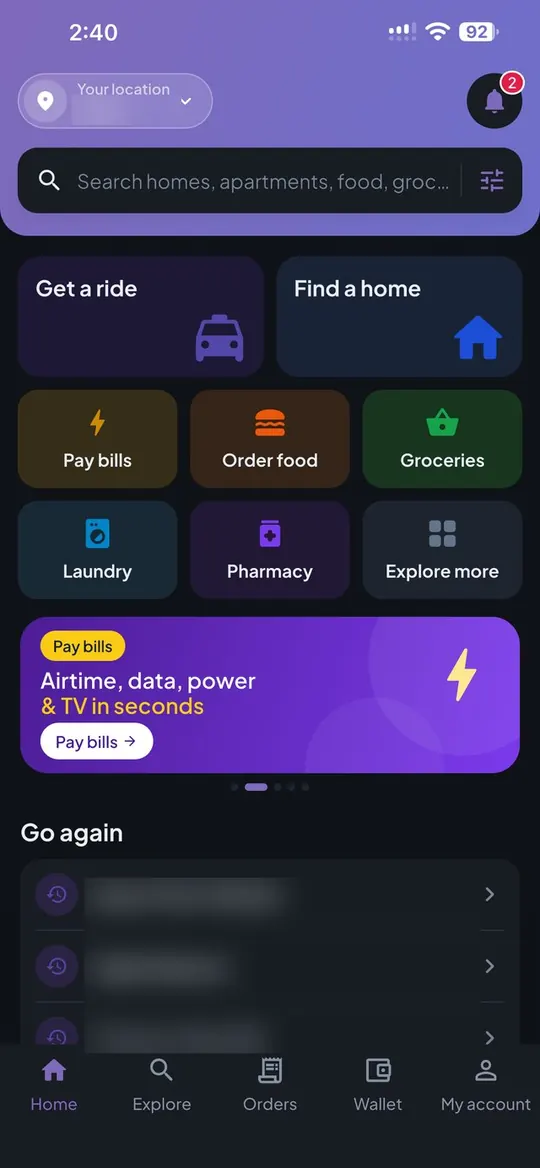
Open Homepoint and tap Ride
Rides live in the same Homepoint app you use for homes, food and bills.
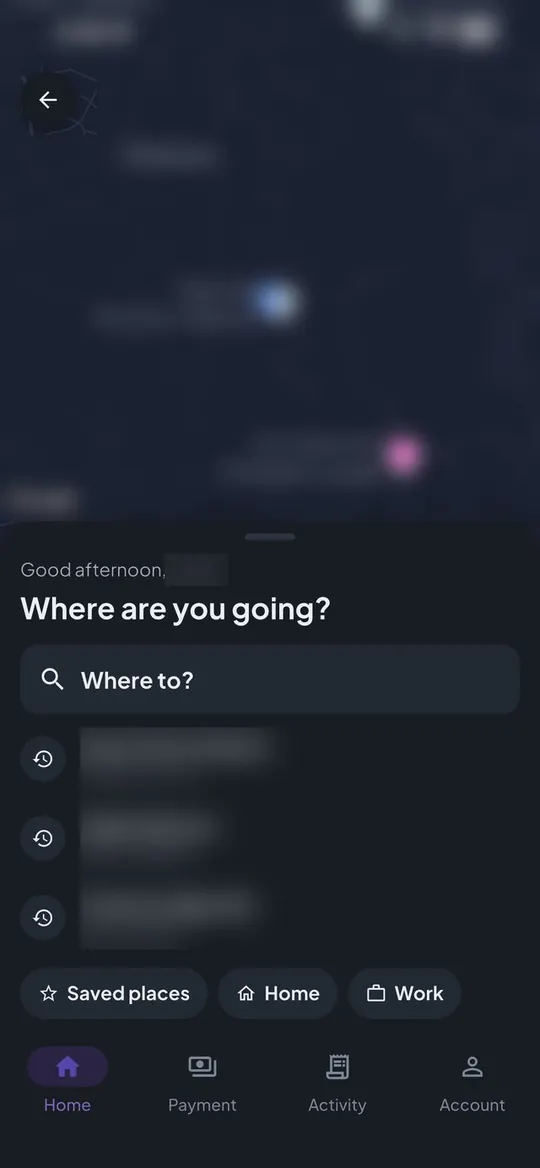
Say where you’re going
Pick your drop-off, add a stop if you need one, and see the fare range before you book.
Your driver is on the way
See your driver, car and plate number, and follow them live on the map. Chat or call if you need to.
Arrive and pay
The final fare follows the real trip. Pay with cash, your Homepoint wallet or a card.
Made for peace of mind.
Know the fare first
You see the fare range before you book. The final price follows the real distance and time of your trip.
Track every turn
Watch your driver come to you on the map, then follow your trip until you arrive.
Chat or call your driver
Message with one-tap quick replies, or call. A Homepoint call keeps your phone number private.
Safety built in
The Safety button alerts Homepoint’s safety team with your trip and location. You can also share your trip.
Add a stop
Need to pick something up on the way? Add a stop when you book.
Pay your way
Cash, Homepoint wallet or card. Your receipt is in the app after every trip.
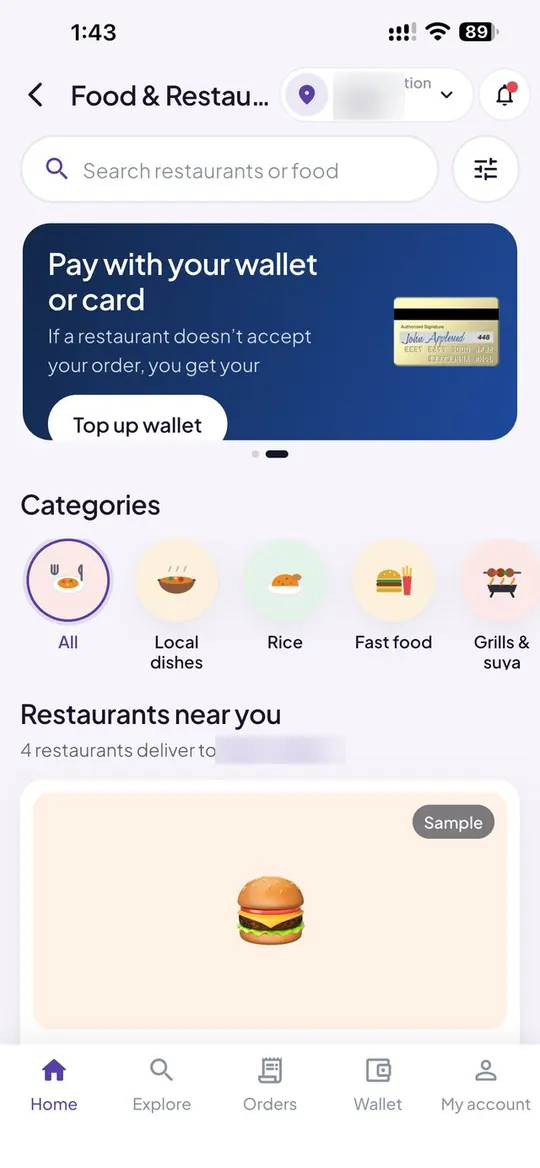
The same app does so much more.
Your Homepoint account also finds homes, orders food and groceries, pays bills and books artisans.
Find a home
Rent, buy or shortlet.
Order food
From restaurants near you.
Pay bills
Airtime, data, TV and power.
One wallet
For rides and everything else.
Good to know.
Where can I book a ride?
Rides start in Warri and Effurun, Delta State. More areas will follow.
How is my fare worked out?
Before you book, you see a fare range based on the route. The final fare follows the real distance and time of your trip, and the app shows it when you arrive.
How can I pay?
With cash, your Homepoint wallet or a card.
Can I cancel a ride?
Yes. You can cancel free of charge for a short time after a driver accepts.
Can my driver see my phone number?
Not when you use a Homepoint call or chat. You can also choose to call by phone if you prefer.
What if I feel unsafe?
Tap the Safety button on your trip. It alerts Homepoint’s safety team with your trip and location. In an emergency, call 112.
Book your first ride today.
Download Homepoint and tap Ride.